Burgershot MLO
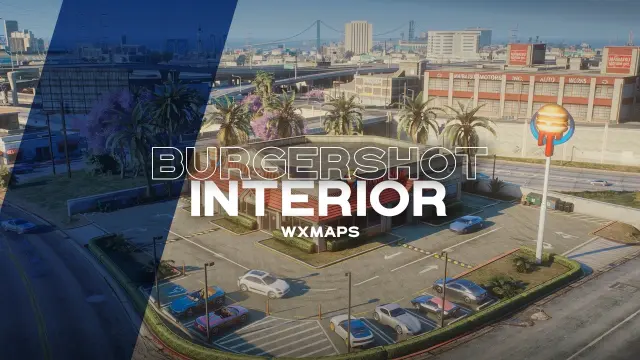
Five fully detailed Burgershot restaurants for FiveM — dining room, kitchen, drive-thru, cold room, locker room and manager office. Standalone, framework-agnostic, ready for your food job scripts.
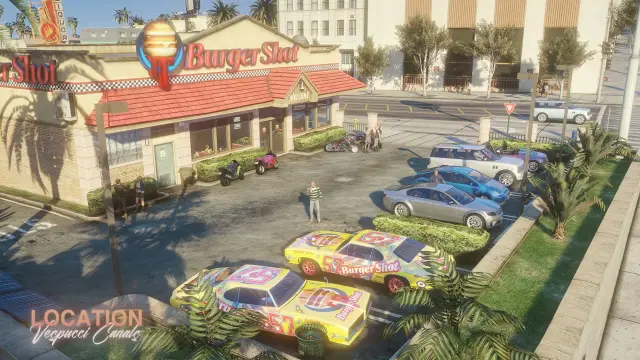
Every roleplay city has a Burgershot problem: it's the busiest business on the server, and half the time it's still running out of a teleported shell interior. This Burgershot MLO for FiveM by WXMAPS fixes that at five Los Santos locations at once — so the burger empire your players build near Vespucci works exactly the same when a second franchise opens across the map.
Front of house built for a lunch rush
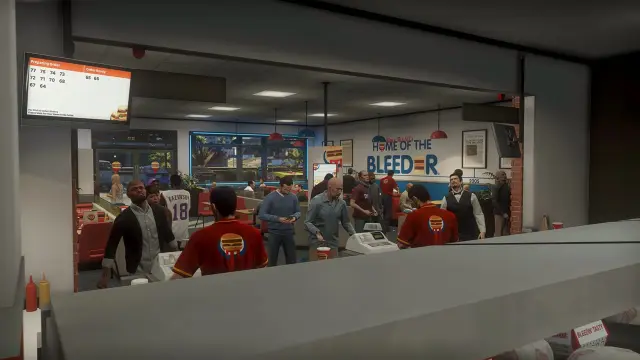
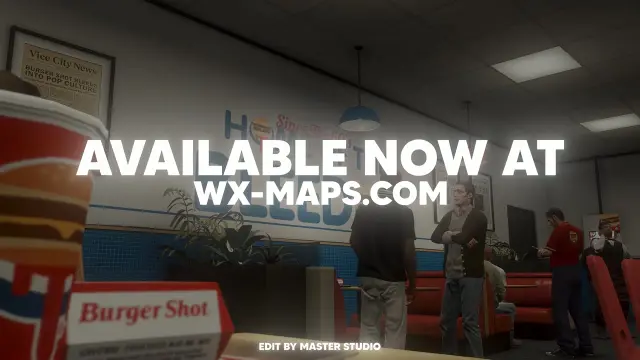
The dining room is the showpiece: red booth seating, a tiled service counter, wall-to-wall "Home of the Bleeder" branding and an order-status board hanging over the tills that makes queue RP feel like an actual Friday-night rush. Big street-facing windows keep the room bright, so your players' screenshots and stream clips look good without anyone touching a timecycle mod.
A back of house your employees will actually use
- Kitchen — a proper grill line with room for several cooks on shift at once
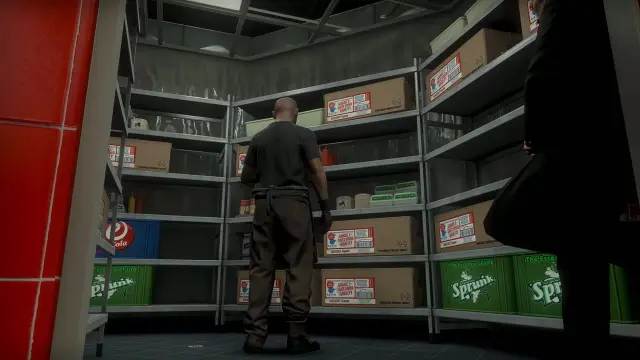
- Cold room and dry storage — industrial shelving stacked with eCola and Sprunk crates, ideal for restock runs and inventory stashes
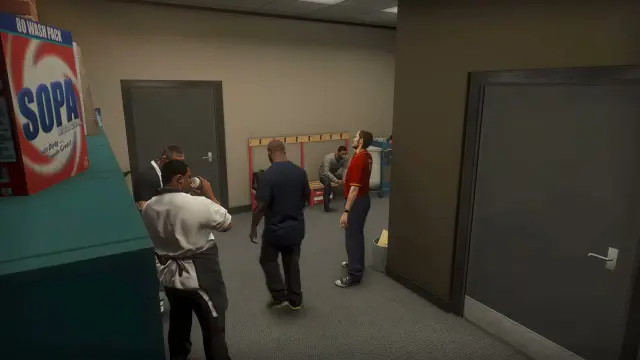
- Locker room — the natural clock-in point for uniform changes and off-shift gossip
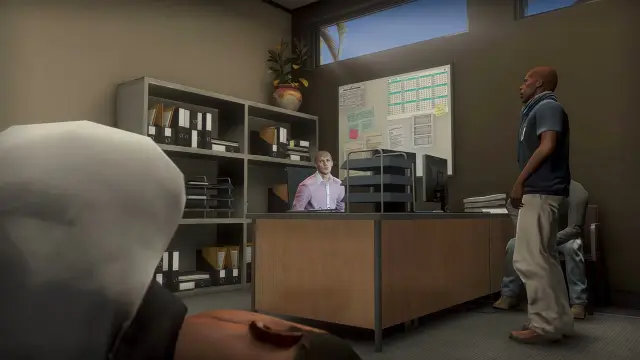
- Manager's office — desk, monitors and filing shelves for hiring, payroll and the occasional dramatic firing
- Drive-thru — window service for the regulars who refuse to leave their car
Made for restaurant job scripts
The room layout maps cleanly onto food-job resources: order at the counter, cook in the kitchen, restock from the cold room, manage from the office. Because it's a pure map resource with no framework code, it runs identically on QBCore, Qbox, ESX or a standalone build — your job script does the logic, the MLO provides the stage.
Optimization and install
Each location is a clean interior swap on the existing Burgershot buildings, kept light so five restaurants don't cost you the frame budget of one. Setup is the usual two steps: drop the resource into your server's resources folder and ensure it in your config. The pack requires wxmaps_commons (WXMAPS' shared interior dependency) to be running alongside it.
Burgershot MLO installation for FiveM servers
Burgershot MLO is a FiveM MLO map from WXMAPS in the FiveM MLOs category.
After checkout, download the resource package from your Tebex order email, upload the included folder to your server, and start it from server.cfg.
resources/ directory.
ensure line using the exact folder name shipped in the download.
Use this as the server.cfg pattern. Replace the folder name if your downloaded resource folder is different:
ensure wxmaps-burgershotThe previous generated tebex-... prefix has been removed here because the real folder name is controlled by the download package, not by this product page.
Why Burgershot MLO fits a FiveM server
Burgershot MLO compatibility and specs
Related scripts
![[MLO] Davis Sheriff Station Gta 5 Interior + LSPD Theme for FiveM, altV and RageMP](/uploads/card/61b30564e35b715b347f8e896777361d.webp)
![[MLO] Vespucci Police Department for FiveM, RageMP and altV MLO Interior GTA 5](/uploads/card/7e7876865c04f38b023994c7718c639e.webp)
About this FiveM script
Burgershot MLO is a premium FiveM script. It’s part of the Tebex catalog, a curated selection of battle-tested resources for QBCore, ESX and Qbox roleplay servers. Every script on Tebex ships with lifetime updates, instant email delivery, and a ticket system for technical support.
Whether you’re building a QBCore server from scratch, upgrading an ESX Legacy deployment, or migrating to Qbox, this resource drops in cleanly and runs at 0.00ms idle resmon. The config-first design means you can customize prices, permissions and locations without touching the core Lua.