
Products from this creator
57 products
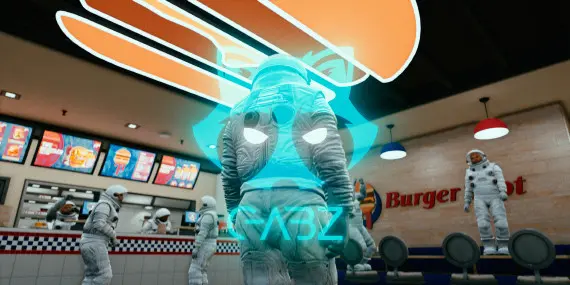
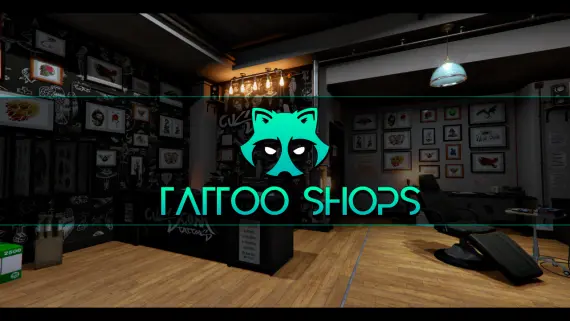
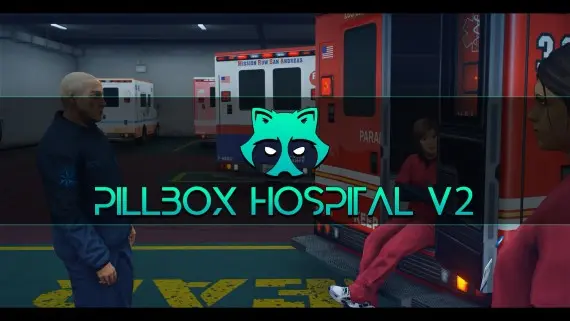
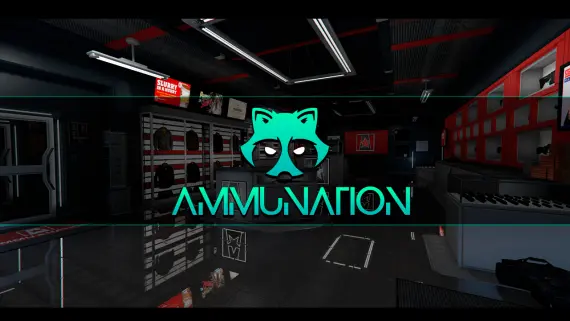
Gabz is the primary architect for many of the most successful FiveM servers. When a player walks into a police department or a hospital, there is a high probability they are standing in a Gabz interior. This reputation comes from a strict focus on visual consistency and technical performance. These maps are not just asset dumps. They are carefully constructed environments designed to facilitate specific types of roleplay without causing clients to crash or lose frames. Most server owners start their mapping journey here because the quality is predictable and the installation is trivial.
Signature work and style
The catalog covers every essential location a server needs to function. The Mission Row Police Department and Pillbox Medical Center are staples, providing multi floor layouts that give departments room to breathe. Beyond the essentials, the catalog includes smaller shops, mechanic garages, and residential interiors that replace the generic, low resolution shells provided by Rockstar. The Legion Square overhaul is another standout, turning the central hub of Los Santos into a more modern, social space that actually feels like a city center.
Optimization is where Gabz separates himself from amateur mappers. A common issue with custom MLOs is the lack of proper occlusions and portals. Without these, the game engine tries to render the entire world outside while you are inside a building, leading to massive performance drops. Gabz maps use correct portal placement to ensure the engine only renders what the player can actually see. This allows for high detail textures and custom props without the typical performance tax associated with custom interiors. The baked lighting in these maps also ensures that interiors look natural at all times of day, avoiding the flat or overly bright look of lesser mods.
Compatibility & installation
Every map is standalone. While many scripts require specific frameworks like QBCore or ESX to handle inventory or banking, a map is simply a set of visual assets. This means you can drop a Gabz MLO into any server regardless of the backend logic. If you use ox_target or qb-target, you can easily add your own interaction points to the counters and doors provided in the maps. The file structures are clean, usually requiring nothing more than a single folder in your resources directory and an ensure line in your server.cfg file.
For those running complex map setups, Gabz interiors are built to be as compatible as possible. They are designed to work with the latest GTA 5 game builds, and many include optional files to resolve conflicts with other popular map modifications. If you are using a custom map build or a total overhaul of the Los Santos landscape, these interiors generally slot in without the flickering textures or disappearing walls common in unoptimized assets.
Why buy Gabz scripts here
Investing in Gabz maps is about stability. When FiveM or GTA 5 receives an update that breaks certain map flags or textures, Gabz is among the first to push fixes. This prevents your server from looking broken after a game update. The use of the FiveM Escrow system ensures that the assets are protected while still allowing server owners to configure certain aspects of the maps. You get a level of polish that DIY or leaked maps simply cannot match, from the way doors swing on their hinges to the inclusion of custom audio emitters that make a space feel occupied. These maps are battle tested on servers with hundreds of players, ensuring that your players experience the world exactly as you intended.
Frequently asked questions
Do these maps work with QBCore?
Yes, all maps are standalone and function on QBCore, ESX, or any custom framework. You just need to ensure the resource in your server config.
Will these maps lag my players?
Gabz maps are highly optimized with proper LODs and portals. They are designed to run on high population servers without significant impact on FPS.
Can I change the textures?
Most maps are protected via the FiveM Escrow system, but some allow for texture modifications through specific files. Check the individual product description for texture dictionary access.
How do I install them?
Installation is a simple drag-and-drop process. Move the folder to your resources directory and add the ensure line to your server.cfg.
Do these conflict with other MLOs?
Conflicts only occur if two MLOs occupy the same physical space. Gabz provides files to help resolve common conflicts with other popular map creators.