Most server owners end up buying assets in dribs and drabs — a script here, a vehicle pack there, an MLO three months later when they finally realize the job script needs an actual location. Then the compatibility problems start. The police job expects model names that aren't in the vehicle pack. The mechanic MLO has no matching job script. Two scripts in the resource folder both need different versions of ox_lib. This is the slow, expensive way to build. The better approach is to plan your whole stack in one session and buy it in one pass.
Think in Three Layers
A functioning RP city runs on three distinct layers: physical space (MLOs), systems (scripts), and props (vehicles and EUP). These aren't independent — they're tightly coupled, and gaps between layers become dead weight on your server.
An MLO is just a decorated interior until a script gives it purpose. A police station MLO needs an MDT, an arrest system, an evidence locker mechanic, and a police job that spawns inside that building. Buy the MLO without those systems and you've got a beautiful empty room. Buy the scripts without a matching MLO and players are running jobs in a parking lot. The three layers have to be planned together.
Start With MLOs
MLO selection should drive everything else. Pick your location types first:
- Police station — determines whether you need a dedicated police job, in-station props, evidence lockers
- Hospital / EMS base — dictates your medical system choice (esx_ambulancejob vs. ps-medic vs. custom)
- Mechanic shop — needs to match your mechanic job script's blip/ped spawn config
- Drug lab or processing point — requires the matching drug processing and supply chain scripts
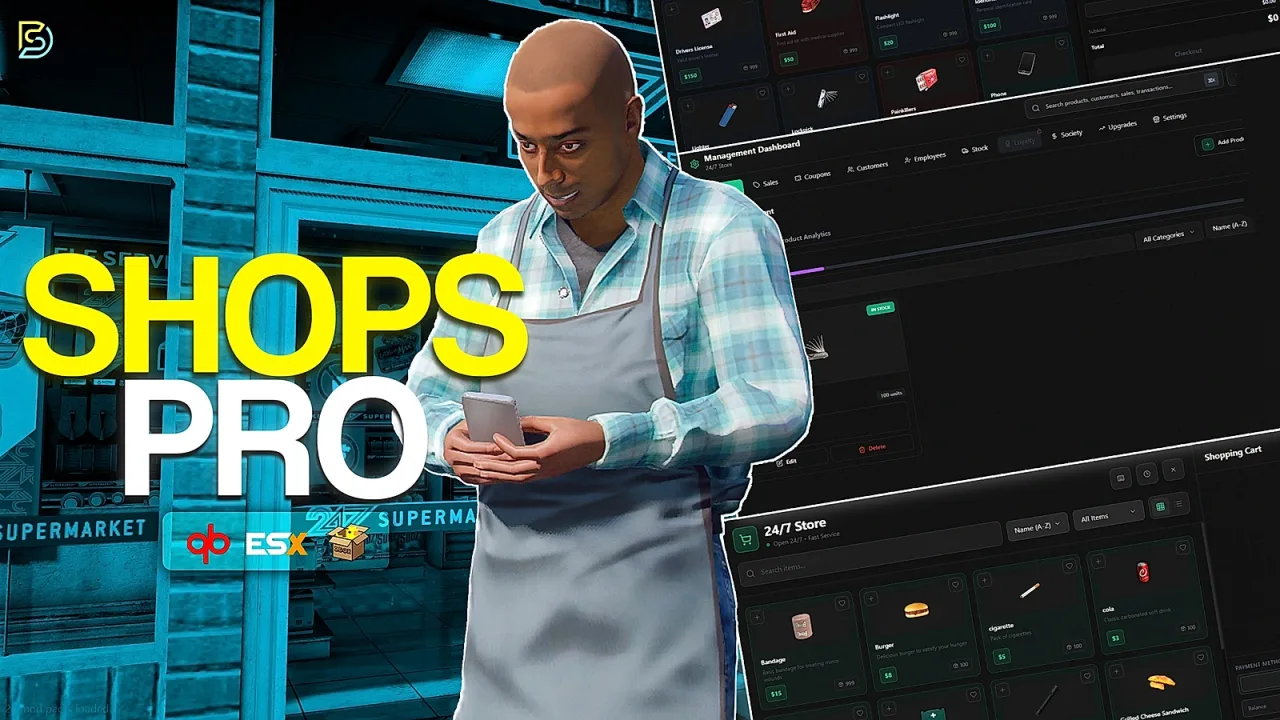
- Nightclub or business MLO — only useful if you have an ownership/business script to back it
Mismatched MLOs and job scripts create dead space — areas players load into but have no interaction with. That's wasted performance budget and wasted money.
Lock Your Framework First
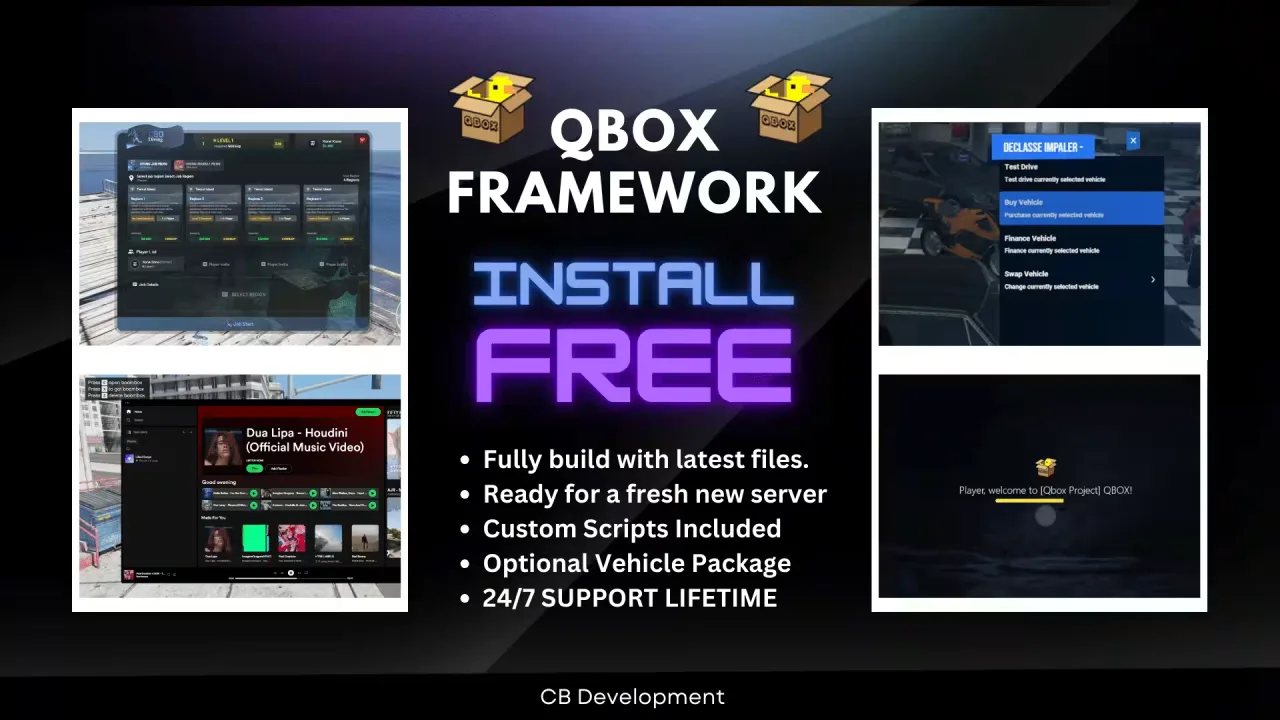
Before you add a single script to your cart, commit to a framework. QBCore, ESX, or QBox — pick one and don't mix. Every resource you buy after that should target the same framework, or you'll spend your launch week writing bridges instead of testing gameplay.
After framework, map your shared dependencies. Most modern FiveM scripts cluster around a few shared resource stacks:
- QBCore stack: qb-core, qb-inventory (or ox_inventory via bridge), ox_lib for UI/callbacks
- ESX stack: es_extended, esx_menu_default or ox_lib, mysql-async or oxmysql
- Ox-native builds: ox_core, ox_inventory, ox_lib, oxmysql — all pinned to compatible versions
Check the version pinning before checkout. If two scripts in your cart both list ox_lib as a dependency but at different minimum versions, that conflict needs to be resolved before you install anything — not after. You can find a lot of well-documented resources with clean dependency chains at scripts-tebex.io.
Match Vehicles to Scripts
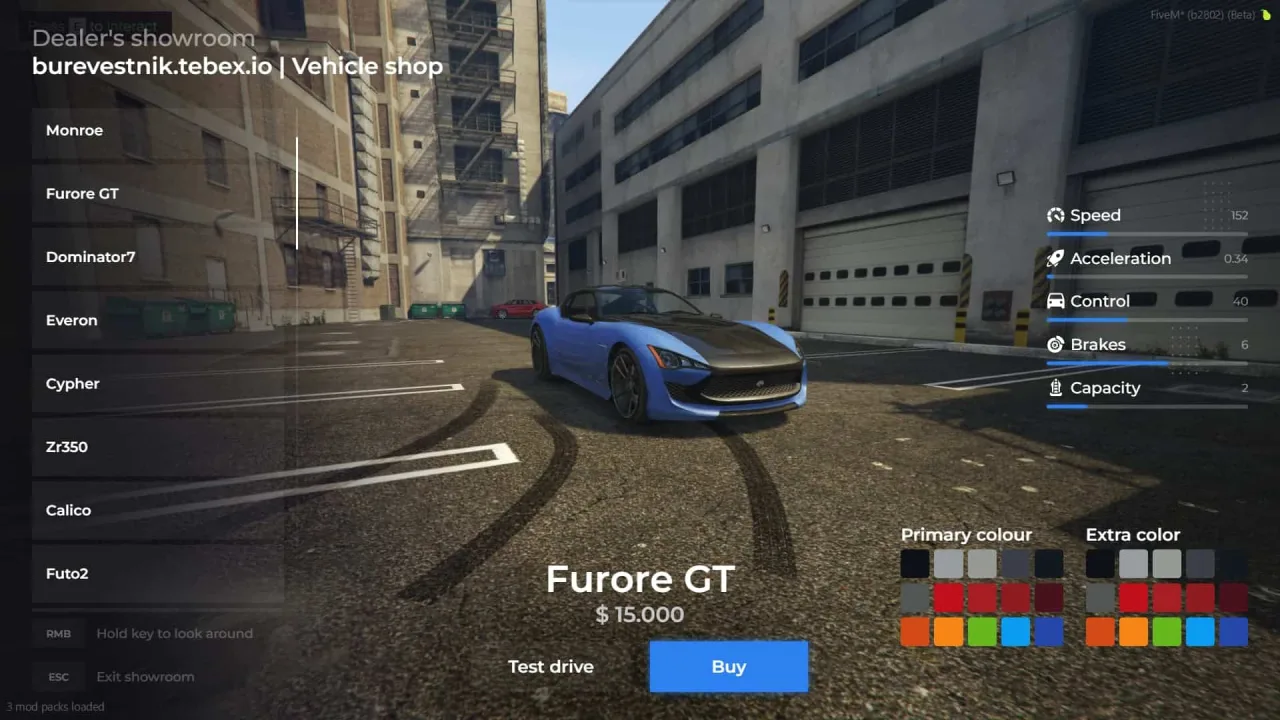
Vehicle packs aren't just cosmetic. If your police job script uses QBCore:Spawn with hardcoded model names like police, police2, or sheriff, your vehicle pack needs to ship those exact model names — or you'll be renaming streams on launch day.
Emergency vehicles have an additional layer: sirens and lights scripts like LS-siren expect specific dummy node setups on the vehicle model. A pack that wasn't built against LS-siren's spec will have lights in the wrong position or sirens that don't fire correctly. Check the pack's compatibility notes before buying. For broad vehicle selection with proper documentation, cars-tebex.io covers emergency, civilian, and gang-themed packs with clear model name listings.
EUP Is an Afterthought Until It Isn't
EUP clothing gets bought last and regretted first. Your server theme determines what uniforms actually make sense. A UK-style RP server running British departments needs PSI-style stab vests and custodian helmets, not LSPD blues. EUP packs aren't interchangeable — a pack designed for LSPD cosplay looks wrong in a server with British department scripts and a BCG radio plugin.
Plan EUP alongside your department scripts, not after. If your police job has a clothing room mechanic, you need to know which EUP component IDs it references before you buy the pack.
Cart Coherence
Here's a useful way to audit your cart before checkout: your cart should tell a story. If you're adding a drug lab MLO, the drug processing script and supplier vehicle pack should be in the same session. If you're building out a medical system, the hospital MLO, the EMS job script, and the ambulance vehicle pack should all go in together.
Splitting these purchases across different sessions — or worse, different stores — creates version mismatch risk and splits your support tickets across multiple vendors. When something breaks at 2am on launch day, you want one place to ask. A wide catalog like tebax.io covers multiple asset categories under one roof, which matters more than you'd think when you're debugging a resource conflict the night before opening.
Dependency Audit Before You Hit Buy
Write your dependency chain out before purchase, not after install. Something like:
- Framework: QBCore (latest stable)
- ox_lib:
^3.x(pinned by three scripts in cart) - oxmysql:
^2.x - Shared inventory: ox_inventory (QBCore bridge)
If two scripts in your cart list incompatible dependency versions, sort it out now. Check GitHub issues, ask in the script's Discord. Don't assume it'll work.
The Case for One-Stop Shopping
Buying everything from a single store has practical advantages beyond convenience. You get a single support channel for cross-resource conflicts, consistent update cadence across your stack, and all your Keymaster/escrow registrations tied to one account. If a script update breaks another script, you've got one vendor to coordinate with instead of three separate support queues.
buy-tebex.io stocks scripts, vehicles, and MLOs across all three layers — which means you can wire your entire cart in one session, from the job scripts down to the vehicle packs, without switching stores or reconciling assets from different ecosystems. Plan the stack first, then fill it.