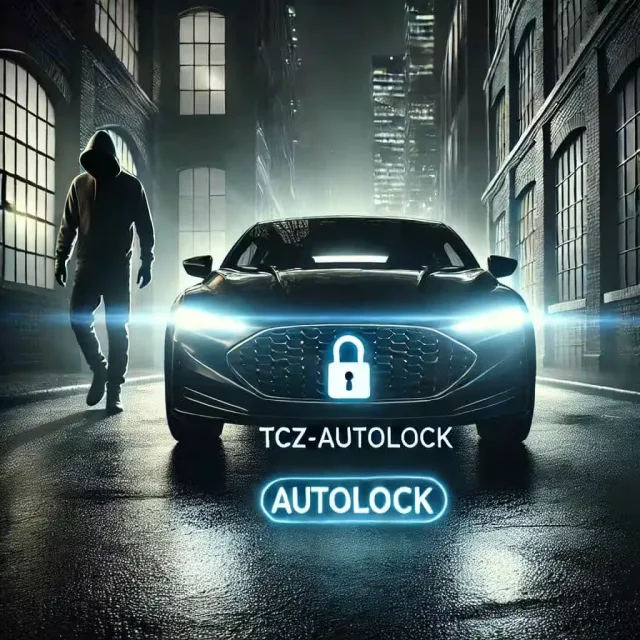
FREE Vehicle AutoLock Keyless Entry & Unlock Distance Based.
Distance-based auto-lock keyless entry for QBCore servers
Vehicle AutoLock Keyless Entry & Unlock Distance Based.
Hey everyone! I’m back and this time with a utility script:
Keyless Entry for QBCore Auto Lock & Unlock Distance Based.
I’ve put together something small but packed with immersive feeling. This is a script that automatically 🔒Locks your car when you walk away and 🔓Unlocks it when you get close.
Just like a real keyless entry system!:key: Your car will even flash its lights and play a distinguishable locking sound to let you know it’s secure.
How To Use It?
- Simple command to Activate or Deactivate /autolock and voilà
activated
What Does It Do?
- Auto-Lock: When you walk away from your vehicle, it automatically locks itself.
locked
- The lights flash, and you hear a satisfying lock sound for that immersive touch!
- Auto-Unlock: As you approach your car, it unlocks automatically 🎮No Buttons Needed!
unlocked
- Smart Lock: If there is a player in the car, it wait until the car is empty before locking.
- Configurable Lock/Unlock Distance: Adjust the range to make it work just right for your server setup.
- Seamless qb-vehiclekeys Integration
How to Install
- Download the script from the GitHub link below.
- Drag and drop it into your resources folder.
- Add ensure tcz-autolock to your server.cfg.
- Start your server and enjoy Seamless Keyless Entry!
And That’s It!
No over-the-top customization, just clean and effective feature to make your vehicles smarter and your server cooler.
FREE Vehicle AutoLock Keyless Entry & Unlock Distance Based. installation for FiveM servers
FREE Vehicle AutoLock Keyless Entry & Unlock Distance Based. is a FiveM script from Tebex in the QBCore Scripts category.
After checkout, download the resource package from your Tebex order email, upload the included folder to your server, and start it from server.cfg.
resources/ directory.
ensure line using the exact folder name shipped in the download.
Use this as the server.cfg pattern. Replace the folder name if your downloaded resource folder is different:
ensure vehicle-autolock-keylessThe previous generated tebex-... prefix has been removed here because the real folder name is controlled by the download package, not by this product page.
Why FREE Vehicle AutoLock Keyless Entry & Unlock Distance Based. fits a FiveM server
Framework labels for this listing: qbcore, qbox. Check the included readme for any product-specific setup notes.
FREE Vehicle AutoLock Keyless Entry & Unlock Distance Based. compatibility and specs
This autolock script is exactly what my QBCore server needed. Install was literally drag-and-drop, added to server.cfg, and it just worked. The lights flash and the sound effect really adds to the immersion, makes vehicles feel more alive. Checked resmon, barely registers, which is always a plus. No more forgetting to lock cars after a chase, or having to spam a keybind when I hop out. Simple, effective, and clean.
works perfectly with qb-vehiclekeys out of the box. the /autolock command is handy for players. only thing is i wish there was an option to disable the sound client-side, or maybe adjust volume in-game, but it's a minor point for a free script.
this script is exactly what my qb-core server needed for that extra bit of immersion. install was literally drag and drop, just added the ensure line to server.cfg and it was working instantly. the integration with qb-vehiclekeys is flawless, and the car lights flashing with the lock sound really adds a nice touch. resmon is practically zero. simple but effective.
Write a review
Reviews are moderated before appearing. Purchased the product? Your review gets a VERIFIED badge automatically.
Related scripts











About this FiveM script
FREE Vehicle AutoLock Keyless Entry & Unlock Distance Based. is a premium FiveM script for qbcore, qbox servers. It’s part of the Tebex catalog, a curated selection of battle-tested resources for QBCore, ESX and Qbox roleplay servers. Every script on Tebex ships with lifetime updates, instant email delivery, and a ticket system for technical support.
Whether you’re building a QBCore server from scratch, upgrading an ESX Legacy deployment, or migrating to Qbox, this resource drops in cleanly and runs at 0.00ms idle resmon. The config-first design means you can customize prices, permissions and locations without touching the core Lua.