Premium FiveM MLOs for QBCore & ESX
FiveM MLOs are custom interior map loads that replace or extend GTA V's stock buildings with fully detailed, server-ready spaces - police stations, hospitals, nightclubs, mechanic shops, drug labs, and gang hideouts built for roleplay. Every MLO in this category is YMAP/YTYP-packaged for FiveM and drops into QBCore, ESX, and Qbox servers without framework lock-in, so you can wire them straight into your jobs, housing, and dispatch scripts. Browse the catalog for high-detail props, optimized collisions, and clean LODs ready for production servers.
Scripts in this category
105 products
![QBCore Framework V7 [NoPixel 4.0]](/uploads/card/b03fc88efe798acb6c9dacfce8cdff39.webp)



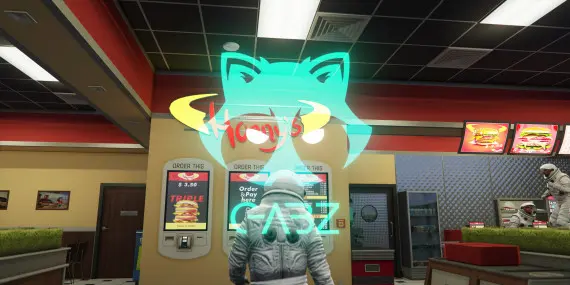
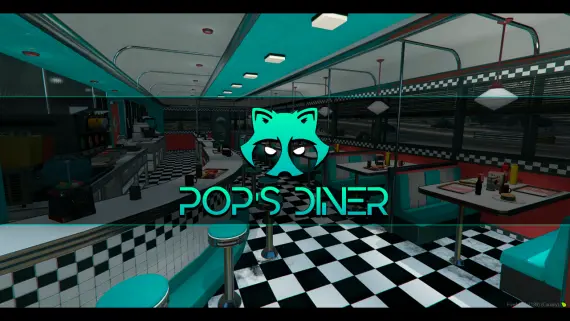
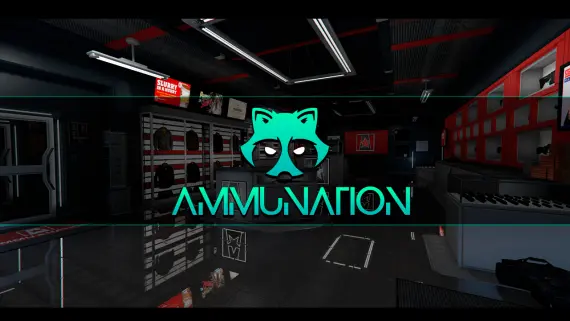
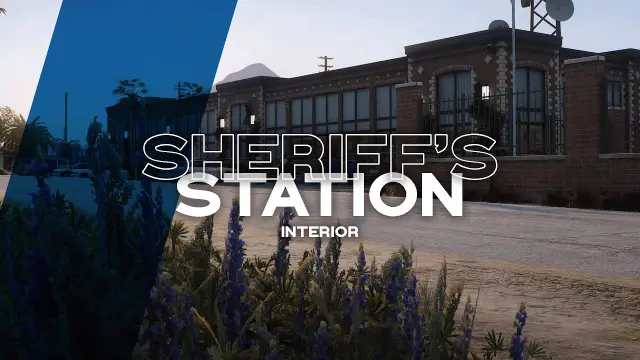
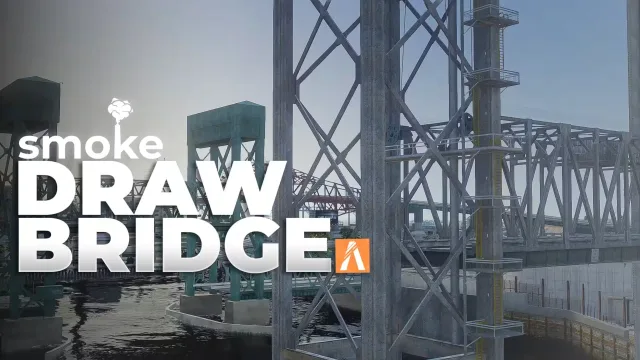
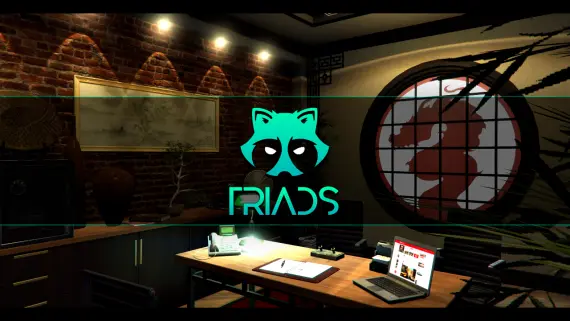
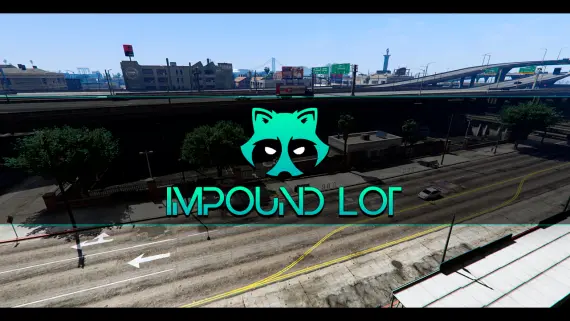
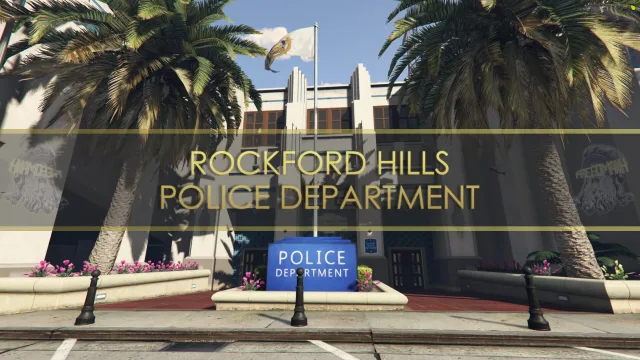
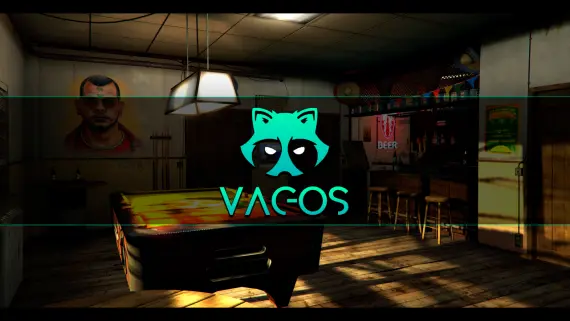
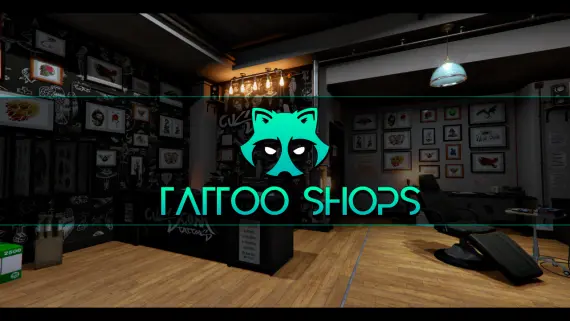
FiveM MLOs are custom map interiors that replace or extend GTA V's stock world with purpose-built spaces designed for roleplay. Where a stock interior might give you four walls and a door, a proper MLO gives you a fully modelled police station with cell blocks, evidence rooms, briefing areas, and a working armoury - or a mechanic shop with usable lifts, parts shelves, and a back office. They're the backbone of any serious FiveM city, because the quality of your map is what players notice first and remember longest.
A good MLO is more than geometry. It ships with proper collisions so players don't fall through floors, baked lighting that doesn't tank framerate at night, LOD models so the exterior reads cleanly from a distance, and clean YMAP placements so it slots into the world without z-fighting against the vanilla map. The best releases also include door locks, interior props, and interaction points that line up with common job and housing scripts out of the box.
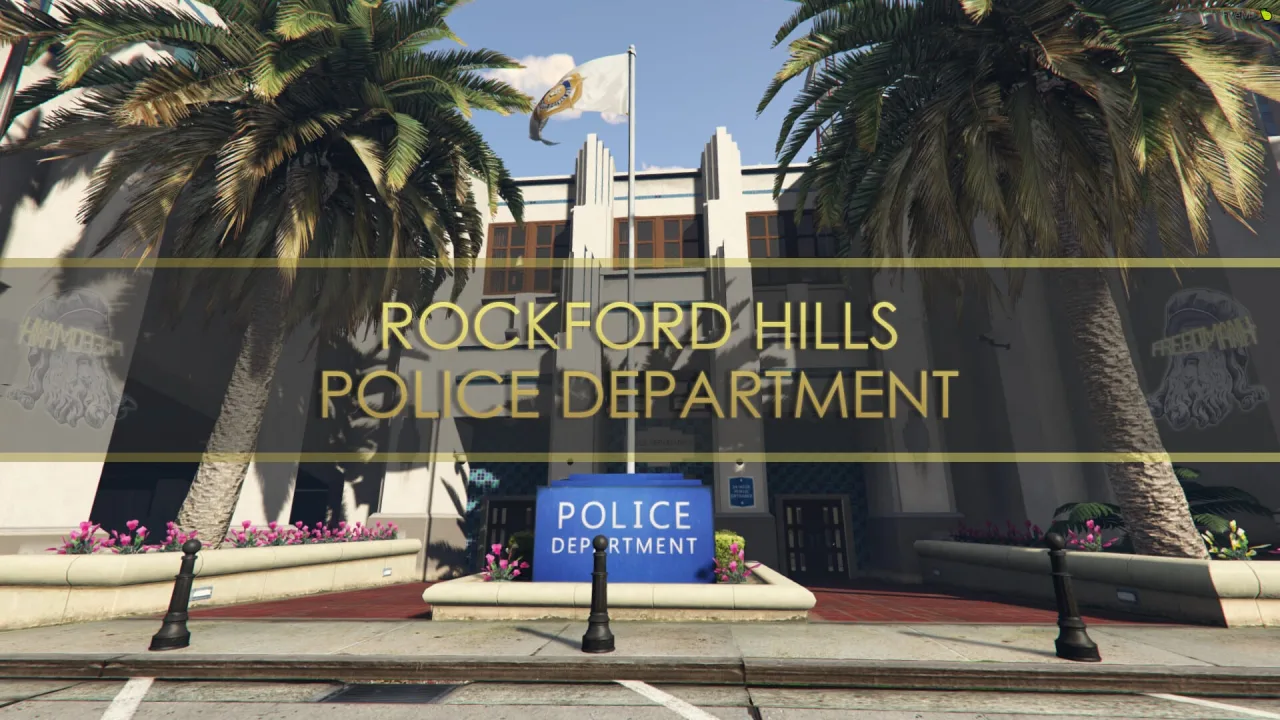
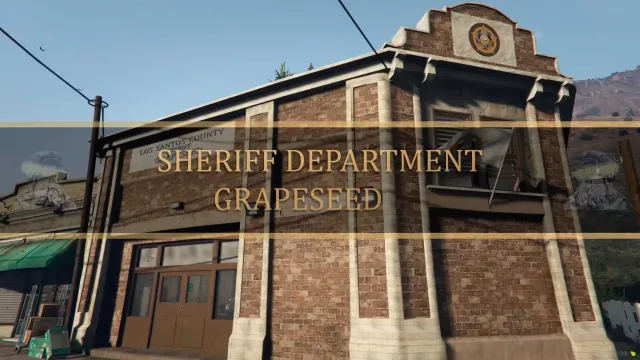
This category collects MLOs covering the spaces a roleplay server actually needs: police departments, hospitals, fire stations, mechanic garages, courthouses, gang hideouts, nightclubs, restaurants, housing shells, and bespoke commercial units. Whether you're building a serious-RP city from scratch or replacing a tired stock interior, this is where you'll find drop-in maps that hold up under real player load.
What to look for in FiveM MLOs
- Optimised resmon and draw distance - a well-built MLO should sit comfortably under 1.00ms idle and not balloon when players are inside. Check that the creator has stripped unused props and baked lighting properly.
- Clean collisions and navmesh - players should never clip through walls, get stuck on door frames, or watch NPCs walk through solid geometry. Navmesh matters if you want peds and AI pathing to behave inside the interior.
- Compatibility with door lock scripts - proper door hashes and coordinates documented in the readme, ready for qb-doorlock, ox_doorlock, or your framework's equivalent. This is the single biggest time-sink if it's missing.
- Exterior LOD and shell - the building should look right from across the street as well as from inside. Missing LODs are a giveaway of a rushed port.
- Stream-ready file structure - a clean
stream/folder, no leftover dev props, and a_resource.lua(orfxmanifest.lua) that doesn't pull in junk. - Polygon budget appropriate to the role - a flagship police station can justify a heavier model; a generic apartment shell should be lean. Watch out for MLOs packed with hero props you'll never see.
Beyond the technical floor, think about how the layout supports gameplay. A police MLO needs a logical flow from booking to cells to interview rooms. A hospital needs triage, treatment bays, and a morgue that EMS scripts can hook into. A mechanic shop needs lift bays at the right height for vehicle scripts and a customer-facing area separate from the work zone. Layout-driven MLOs age better than ones that just look pretty in screenshots.
Compatibility & installation
Almost every MLO in this category is framework-agnostic at the map level - they stream geometry, collisions, and YMAPs, which means they work identically on QBCore, ESX, Qbox, QBox, or standalone servers. The framework only enters the picture when you wire up job scripts, door locks, and interaction points to the rooms inside. Door coordinates are usually provided in the readme as ready-to-paste configs for popular doorlock resources, which saves hours of manual hash-grabbing.
Installation is the standard FiveM flow: drop the resource into your resources/[mlo]/ folder, add ensure <resource-name> to server.cfg, and restart. If the MLO replaces a stock interior (common for police, hospital, and Burger Shot variants), make sure no other resource is streaming the same YMAP - duplicate streams are the most common cause of flickering geometry and invisible walls. For shells and standalone buildings, you'll typically be given teleport coordinates in the readme to set up entry markers in your housing or job script.
Why buy from us
Every MLO listed here is sold by the original creator or an authorised reseller, with the full source files, props, textures, and readme included - not a stripped leak missing collisions or LODs. You get the version that actually streams cleanly, the documentation you need to wire it into your framework, and update access when the creator pushes fixes. That's the difference between a map that ships your server and a download that wastes a weekend.
Frequently asked questions
Will these FiveM MLOs work with QBCore, ESX, and Qbox?
Yes. MLOs in this category are framework-agnostic at the map level - they stream geometry, collisions, YMAPs, and YTYPs, which behave identically across QBCore, ESX, Qbox, and standalone servers. The framework only matters when you wire up jobs, dispatch, and door locks to the interior, and most listings ship readme configs for popular doorlock resources to speed that up.
How do I install a FiveM MLO on my server?
Drop the resource into your resources/[mlo]/ directory, add ensure <resource-name> to your server.cfg, and restart the server. If the MLO replaces a stock interior - common for police stations, hospitals, and Burger Shot variants - disable any other resource streaming the same YMAP to avoid flickering geometry or invisible walls. Standalone shells usually include teleport coordinates in the readme for housing or job entry points.
Will an MLO tank my server's framerate or resmon?
A well-built MLO should idle comfortably under 1.00ms and stay reasonable when players are inside. Look for baked lighting, stripped dev props, proper LODs, and a polygon budget appropriate to the building's role - a flagship police station can justify a heavier model, but a generic apartment shell should be lean. The product pages list resmon figures and optimisation notes where the creator has published them.
Do these MLOs come with door locks and interaction points?
Most premium MLOs ship with documented door hashes and coordinates ready to paste into qb-doorlock, ox_doorlock, or your framework's equivalent - that's the single biggest time-saver versus a free port. Interaction points for booking desks, lifts, evidence rooms, and similar gameplay zones are typically listed in the readme so you can hook them straight into your job scripts.
Can I customise the interior or modify the props?
Customisation depends on the licence and what the creator ships. Open-source releases give you the full source files, props, and textures so you can rework layouts in CodeWalker or 3ds Max, while escrow-protected MLOs lock the model files but still expose configs for door coords, props, and entry points. Check each product page for the licence terms before assuming you can re-export geometry.
What support do I get if the MLO has bugs or conflicts?
Every MLO here is sold by the original creator or an authorised reseller, so you get direct support from the team that built it - bug fixes, collision patches, and update access when they push new versions. That's the difference between a clean release and a stripped leak missing collisions or LODs, which is also why conflicts with existing map resources are far easier to resolve through official channels.
Will an MLO conflict with other map mods I already run?
Conflicts usually happen when two resources stream the same YMAP slot or overlap on a stock interior replacement - the symptoms are flickering walls, z-fighting, or missing collisions. Before installing, check which area the MLO covers and disable any older interior or map pack targeting the same building. Standalone shells placed in unused world space rarely conflict, which makes them the safest option for already-mapped cities.