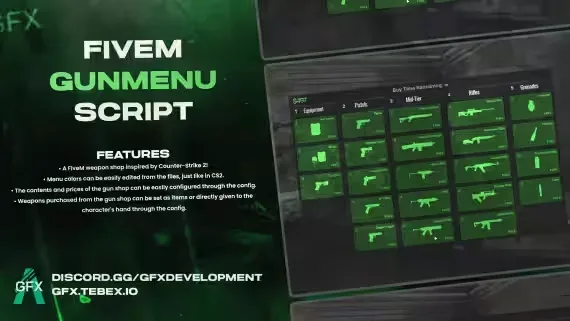
GFX GunMenu for FiveM
CS2-inspired weapon shop with fully configurable loadouts and pricing

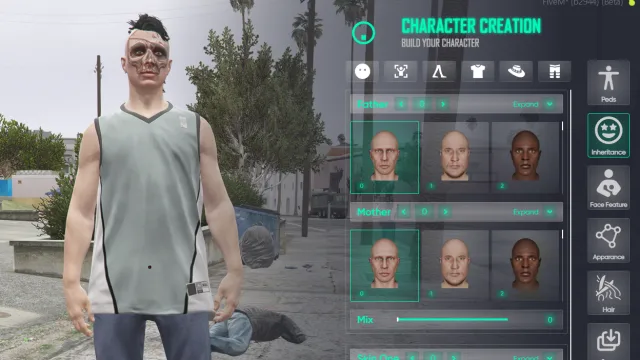
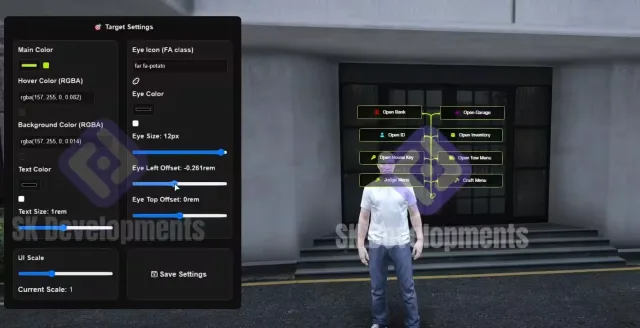
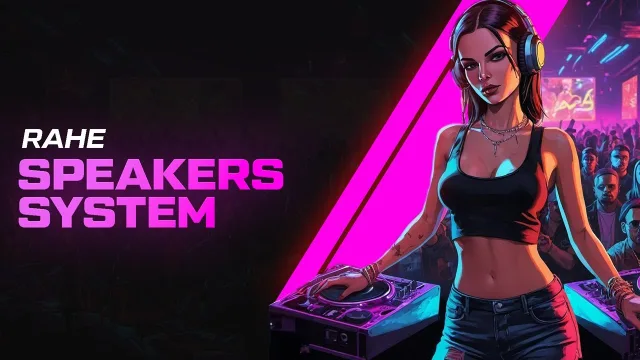
NoPixel-Style Visuals Pack
Inventory, appearance, target, gun menu and speaker UI - the visual layer behind the cleanest-looking RP servers, plus a free HUD.
- Prodigy 2.0 Inventory System $40.00
- Illenium Appearance Reskin (NoPixel Inspired) $25.00
- ProdigyRP 2.0 Inspired Target | ox_target Redesign $15.00
- Rahe Speakers System $20.00
- + 2 more included
GFX GunMenu for FiveM
Features
- A FiveM weapon shop inspired by Counter-Strike 2!
- Menu colors can be easily edited from the files, just like in CS2.
- The contents and prices of the gun shop can be easily configured through the config.
- Weapons purchased from the gun shop can be set as items or directly given to the character's hand through the config.
Requirements
• None (If you configure it to give items through the config, you should use either ESX or QB frameworks.)
GFX GunMenu for FiveM installation for FiveM servers
GFX GunMenu for FiveM is a FiveM script from GFX Development in the ESX Scripts category.
After checkout, download the resource package from your Tebex order email, upload the included folder to your server, and start it from server.cfg.
resources/ directory.
ensure line using the exact folder name shipped in the download.
Use this as the server.cfg pattern. Replace the folder name if your downloaded resource folder is different:
ensure gfx-gunmenu-for-fivemThe previous generated tebex-... prefix has been removed here because the real folder name is controlled by the download package, not by this product page.
Why GFX GunMenu for FiveM fits a FiveM server
Framework labels for this listing: esx, qbcore, qbox. Check the included readme for any product-specific setup notes.
GFX GunMenu for FiveM compatibility and specs
Related scripts

![Lore-Friendly Police Vehicle Pack [8 Vehicles]](/uploads/card/9d6c5ae77714e63c6b00c1694bd0506c.webp)









About this FiveM script
GFX GunMenu for FiveM is a premium FiveM script for esx, qbcore, qbox servers. It’s part of the Tebex catalog, a curated selection of battle-tested resources for QBCore, ESX and Qbox roleplay servers. Every script on Tebex ships with lifetime updates, instant email delivery, and a ticket system for technical support.
Whether you’re building a QBCore server from scratch, upgrading an ESX Legacy deployment, or migrating to Qbox, this resource drops in cleanly and runs at 0.00ms idle resmon. The config-first design means you can customize prices, permissions and locations without touching the core Lua.