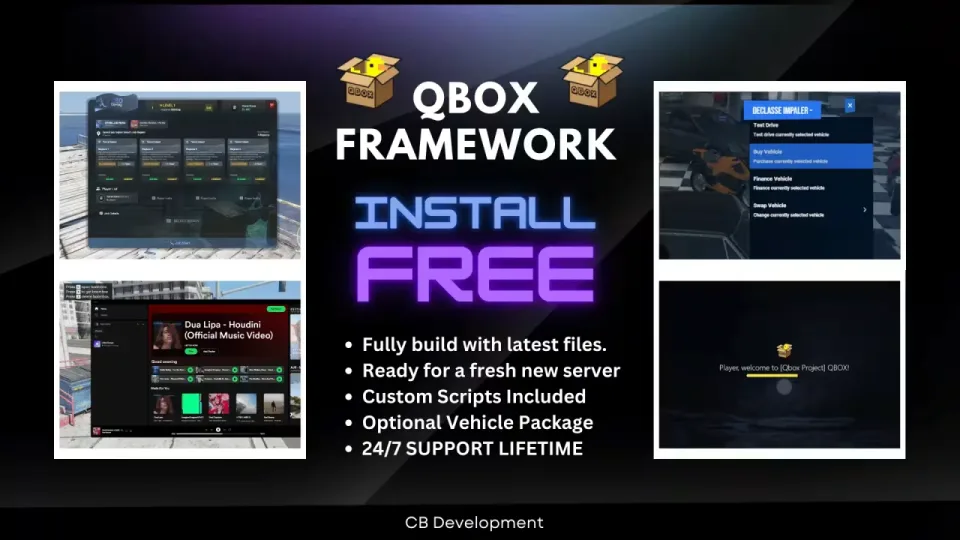
Full Custom Qbox Framework
Drag-and-drop Qbox framework with custom HUD, jobs, and QBCore compatibility
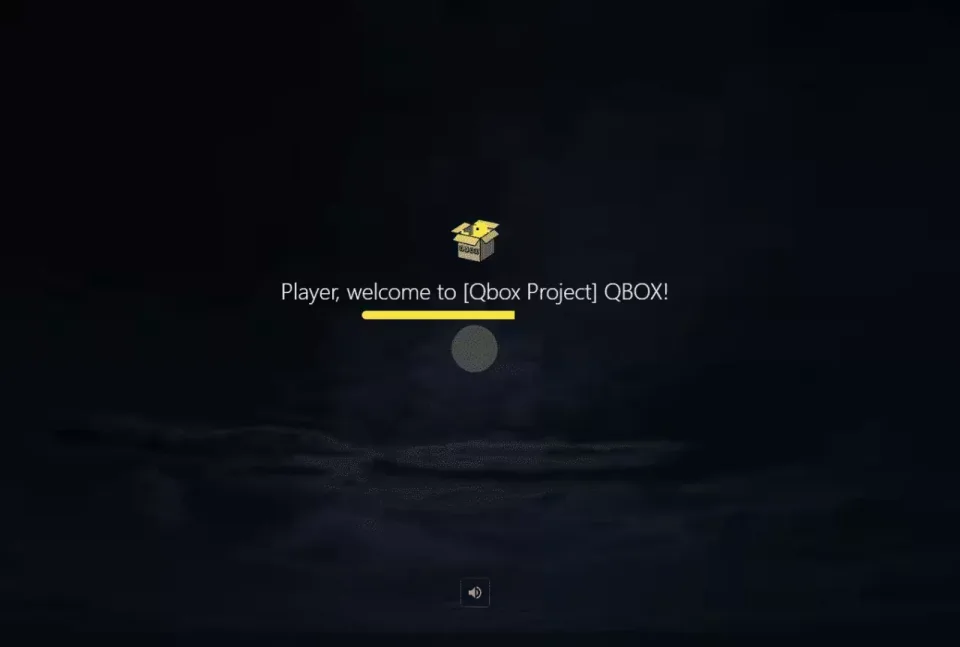
Full Qbox Framework
Features of Qbox Framework V1:
- Drag and Drop Installation.
- Easy to Configure and it comes with SQL.
- Comes with Following Custom Scripts :
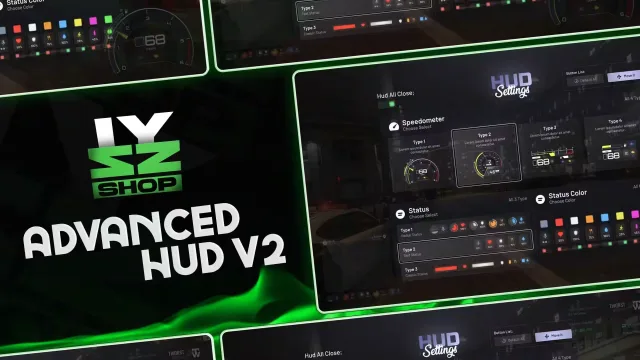
- Custom HUD
- AI Tax Job with balanced pay
- Custom Chat Theme
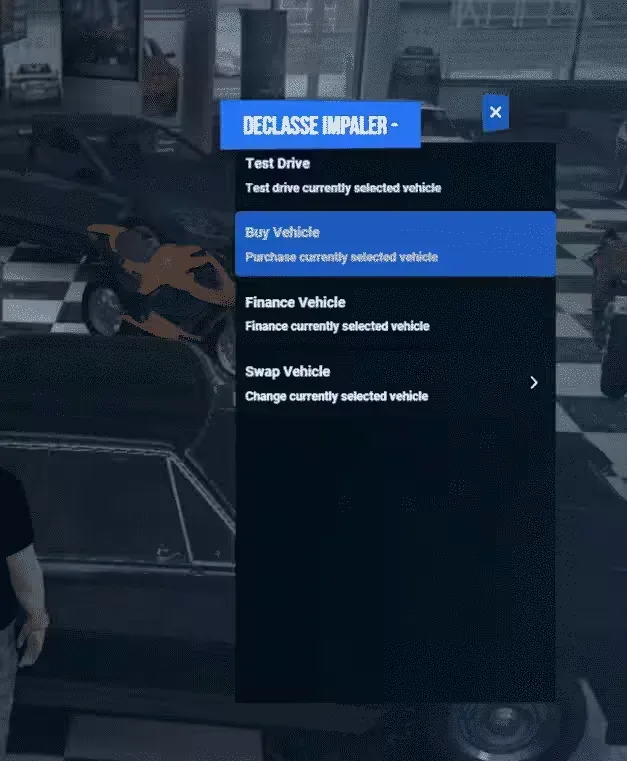
- Advanced Vehicle Rental Script
- Custom Pause Menu with Blips
- Vehicle Control Menu (F5)
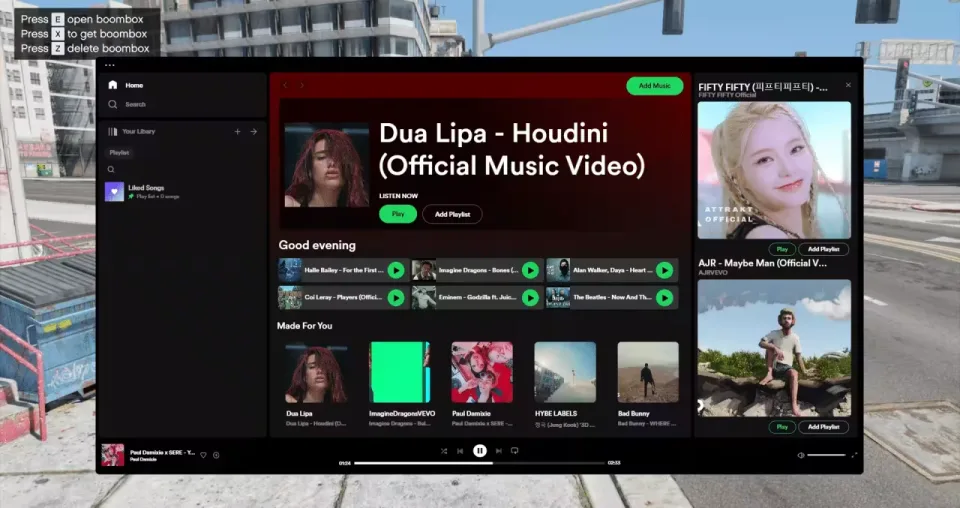
- Boombox with Spotify and Playlists
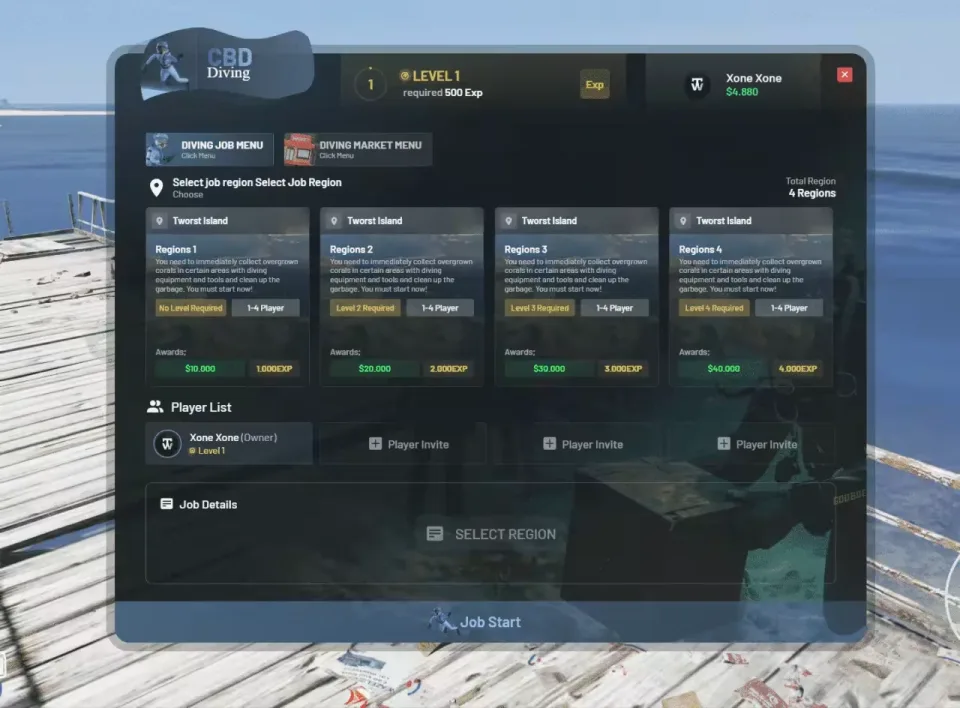
- Advanced Diving Job with Levels and Achievements to keep players busy.
- Supports all QBCore Scripts by default (no configuration needed).
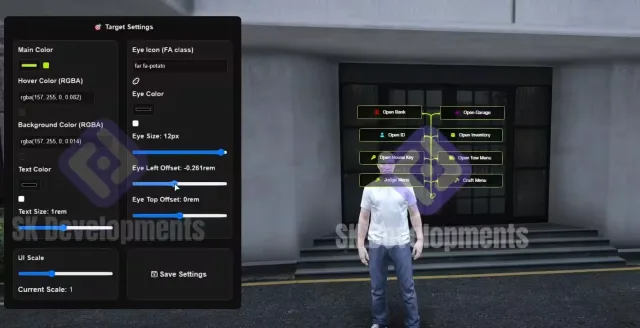
- Custom ox_lib with beautiful UI (Pictures added).
Full Custom Qbox Framework installation for FiveM servers
Full Custom Qbox Framework is a FiveM script from Tebex in the FiveM Readymade Servers category.
After checkout, download the resource package from your Tebex order email, upload the included folder to your server, and start it from server.cfg.
resources/ directory.
ensure line using the exact folder name shipped in the download.
Use this as the server.cfg pattern. Replace the folder name if your downloaded resource folder is different:
ensure full-qbox-frameworkThe previous generated tebex-... prefix has been removed here because the real folder name is controlled by the download package, not by this product page.
Why Full Custom Qbox Framework fits a FiveM server
Framework labels for this listing: qbox. Check the included readme for any product-specific setup notes.
Full Custom Qbox Framework compatibility and specs
Related scripts

![QBCore Framework V7 [NoPixel 4.0]](/uploads/card/b03fc88efe798acb6c9dacfce8cdff39.webp)



![[QB/ESX] Vehicle Shop System](/uploads/card/84b5c5d01693e144aaec2fb689397f50.webp)

About this FiveM script
Full Custom Qbox Framework is a premium FiveM script for qbox servers. It’s part of the Tebex catalog, a curated selection of battle-tested resources for QBCore, ESX and Qbox roleplay servers. Every script on Tebex ships with lifetime updates, instant email delivery, and a ticket system for technical support.
Whether you’re building a QBCore server from scratch, upgrading an ESX Legacy deployment, or migrating to Qbox, this resource drops in cleanly and runs at 0.00ms idle resmon. The config-first design means you can customize prices, permissions and locations without touching the core Lua.